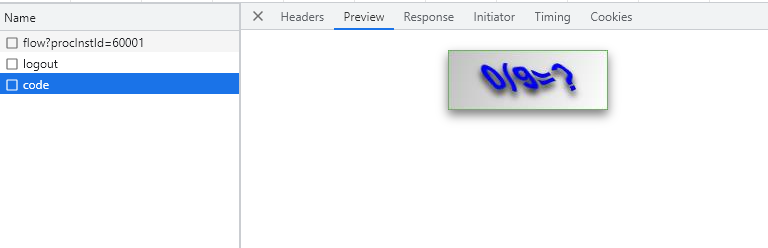
第一种
也是最简单的一种,直接将接口地址赋值给img标签的src
<img src="https://xxx.xxx.xxx.com/img" alt="" width="100%" />
第二种
- blob
api.js中设置 responseType为blod
export const Tqimg = () => {
  return request4({
    url: "/xxx/xx/xx",
    method: "get",
    // 加上下面这个
    responseType: "blob",
  });
};
vue单文件的methods中
async Tqimg() {
  await Tqimg().then((res) => {
    console.log(res);
    const myBlob = new window.Blob([res.data], { type: "image/jpeg" });
    // Tianqimg是提前定义好的模型
    this.Tianqimg = window.URL.createObjectURL(myBlob);
  });
},
vue单文件的template中
<img :src="Tianqimg" alt="" width="100%" />
- arraybuffer
api.js中设置 responseType为arraybuffer
export function verificationCode(data) {
  return serviceCode({
    url: '/code',
    method: 'get',
    data,
    responseType: 'arraybuffer' //这里是声明期望返回的数据类型,为arraybuffer
  })
}
vue单文件的methods中
getCode(){
      verificationCode().then(res => {
        // console.log(res)
        const bufferUrl = btoa(new Uint8Array(res.data).reduce((data, byte) => data + String.fromCharCode(byte), ''));
        this.verificationCodePath = 'data:image/png;base64,' + bufferUrl
      })
    },
vue单文件的template中
<img :src="verificationCodePath" alt="" width="100%" />