html
<template>
	<view class="container">
		<!-- 左边内容 -->
		<scroll-view
		class="scroller"
		:scroll-into-view="toView"
		scroll-y="true"
		scroll-with-animation="true"
		@scroll="cateScroll"
		>
			<view
			:id="item"
			class="left"
			v-for="item in list"
			>
				{{item.toUpperCase()}}
			</view>
		</scroll-view>
		<!-- 右边索引 -->
		<view>
			<view
			:data-id="item"
			v-for="item in list"
			@tap="bindToView">{{item}}
			</view>
		</view>
	</view>
</template>
js
<script>
	export default {
		data() {
			return {
				list:[
					'a','b','c','d','e','f','g','h','i','j',
					'k','l','m','n','o','p','q','r','s','t',
					'u','v','w','x','y','z'
				],
				toView:'',
			}
		},
		methods:{
			bindToView(event){
				let id = event.currentTarget.dataset.id;
				this.toView = id;
			},
			/*滑动*/
			cateScroll() {
				const query = uni.createSelectorQuery().in(this);
				query.selectAll('.aaaaa').boundingClientRect(data => {
					for (var cate = 0; cate < data.length; cate++) {
						if (data[cate].top < 120 && data[cate].top > 0) {
							this.toview = data[cate].id;
						}
					}
				}).exec();
			}
		},
	}
</script>
css
<style  lang="scss" scoped>
	.container{
		width: 100%;
		display: flex;
		scroll-view{
			height: 100vh;
			.left{
				font-size: 50rpx;
				line-height: 150rpx;
			}
		}
		> view{
			position: fixed;
			right: 10rpx;
		}
	}
</style>
效果
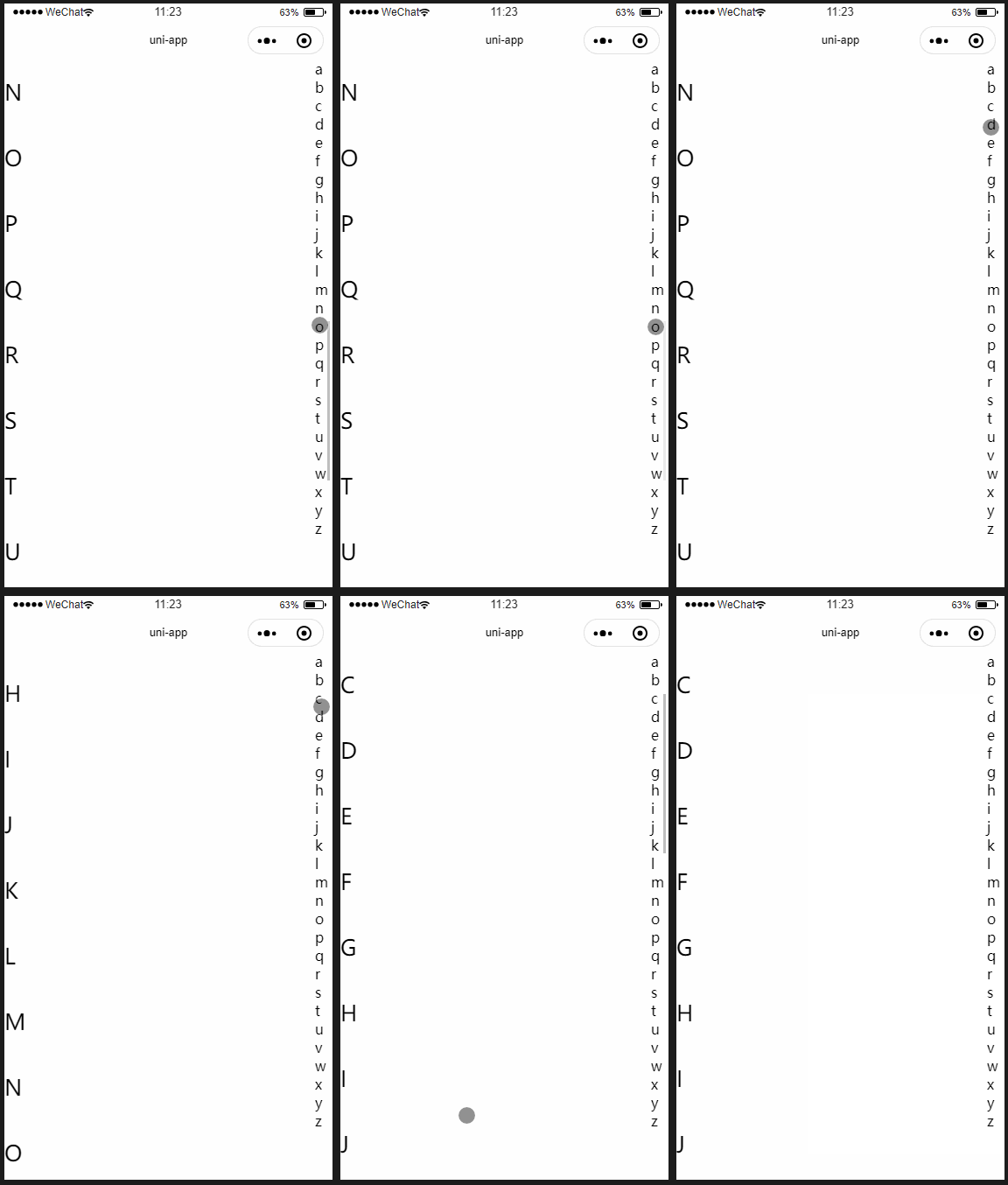
需要注意的是scroll-view必须设置高度,不设置的话没效果,但不要设置100%,除非父元素写了高

附上官方文档